Some website traffic checker tools are built for competitor research, while others are better for tracking your own site. Semrush, Ahrefs, and SimilarWeb are popular choices when you want to see what competitors are doing.
If you only need insights about your own website, Google Analytics is still one of the easiest places to start. The best option comes down to how much data you need and how much you are willing to spend.
TL;DR
Choosing the wrong traffic tool can cost time and money. Some older guides still mention Alexa, but it has been shut down for years. Here are the main options based on what you need:
- Track your own website for free: Google Analytics.
- Check competitor traffic: SimilarWeb or SpyFu.
- Run full SEO campaigns: Semrush or Ahrefs.
- On a tight budget: Ubersuggest or Serpstat.
- Privacy-focused analytics: Cloudflare Analytics.
Why Website Traffic Checkers Matter?
Website traffic checker tools show you how many people visit a website, where they come from, and what they do once they land. Without this data, you are guessing. With it, you make smarter decisions about content, ads, and SEO.
There are two types. First-party tools like Google Analytics track your own site using a code you install. Third-party tools like Semrush and SimilarWeb estimate traffic for any site using data modeling and keyword rankings.
Both types serve different goals. Use first-party tools to understand your own visitors. Use third-party tools to spy on competitors and find gaps in your strategy.
Top 10 Best Website Traffic Checker Tools List
These 10 tools were chosen based on data accuracy, pricing range, ease of use, and 2026 feature updates. Each tool solves a specific problem. Pick the one that matches your stage and budget.
1. Google Analytics (GA4)
Google Analytics is the only tool that provides exact traffic data for your website. It is free, built by Google, and used by over 37.9 million websites globally. Every site owner should have it installed.
Key Features
- Real-time visitor tracking.
- Traffic source breakdown (organic, paid, social, direct).
- Conversion and goal tracking.
- Predictive metrics and AI-based audiences in GA4.
Google Analytics Pricing
| Plan | Pricing |
| Google Analytics (GA4) Free | $0/month |
| Google Analytics 360 | Custom pricing (enterprise) |
Pros
- Usually, the most accurate source for your own website is because it tracks first-party visitor data directly.
- Completely free.
- Integrates with Google Ads and Search Console.
Cons
- Cannot check competitor traffic.
- GA4 has a learning curve compared to older Universal Analytics.
Who Should Pick Google Analytics
Every website owner, from solo bloggers to enterprise teams.
Who Should Skip
Nobody. Every site should use Google Analytics alongside other tools.
2. Semrush
Semrush is one of the most widely used platforms for SEO and traffic analysis in 2026. It helps estimate organic and paid traffic, track keywords, and analyze competitor performance across millions of websites. Many marketers, agencies, and businesses rely on it to monitor rankings and uncover growth opportunities.
Key Features
- Traffic Analytics dashboard with a breakdown of where visitors come from.
- Compare multiple competitor websites side by side.
- Find keyword gaps and analyze backlink profiles.
- AI-powered content recommendations to help identify new opportunities.
Semrush Pricing
| Plan | Price |
| Free | 10 requests/day |
| Pro | $139.95/mo |
| Guru | $249.95/mo |
| Business | $499.95/mo |
Pros
- Most complete data set in the industry.
- Excellent for checking competitor website traffic.
- Regular feature updates with AI tools in 2026.
Cons
- Expensive for solo bloggers or beginners.
- The platform can feel overwhelming for first-time users due to its large number of features.
Who Should Pick Semrush
SEO agencies, content marketers, and established businesses are running full campaigns.
Who Should Skip
Solo bloggers on a tight budget who only need a free website traffic checker for basic data.
3. Ahrefs
Ahrefs is a popular choice among SEO professionals who need reliable organic traffic insights. It is particularly useful for backlink analysis, keyword research, and understanding how competitors perform in search results. Its database updates regularly, helping users track changes and uncover new opportunities.
Key Features
- Site Explorer for organic and paid traffic estimates.
- Batch analysis for up to 200 sites at once.
- Top pages report to see the competitor’s best performers.
- Country-level traffic breakdown for 171 countries.
Ahrefs Pricing
| Plan | Price |
| Starter | $29/mo |
| Lite | $129/mo |
| Standard | $249/mo |
| Advanced | $449/mo |
Pros
- Widely regarded as one of the stronger tools for estimating organic search traffic.
- Strong backlink database.
- Limited free webmaster tools are available for verified site owners.
Cons
- The credit-based system can feel a bit limiting, especially on the lower plans where usage runs out quickly.
- It is also priced higher than many beginner-friendly SEO tools, which makes it less appealing for those just starting out.
Who Should Pick Ahrefs
SEO specialists, in-house SEO teams, and agencies that focus on backlink building and competitor research.
Who Should Skip
Beginners who only need basic traffic data and find credit-based systems confusing.
4. SimilarWeb
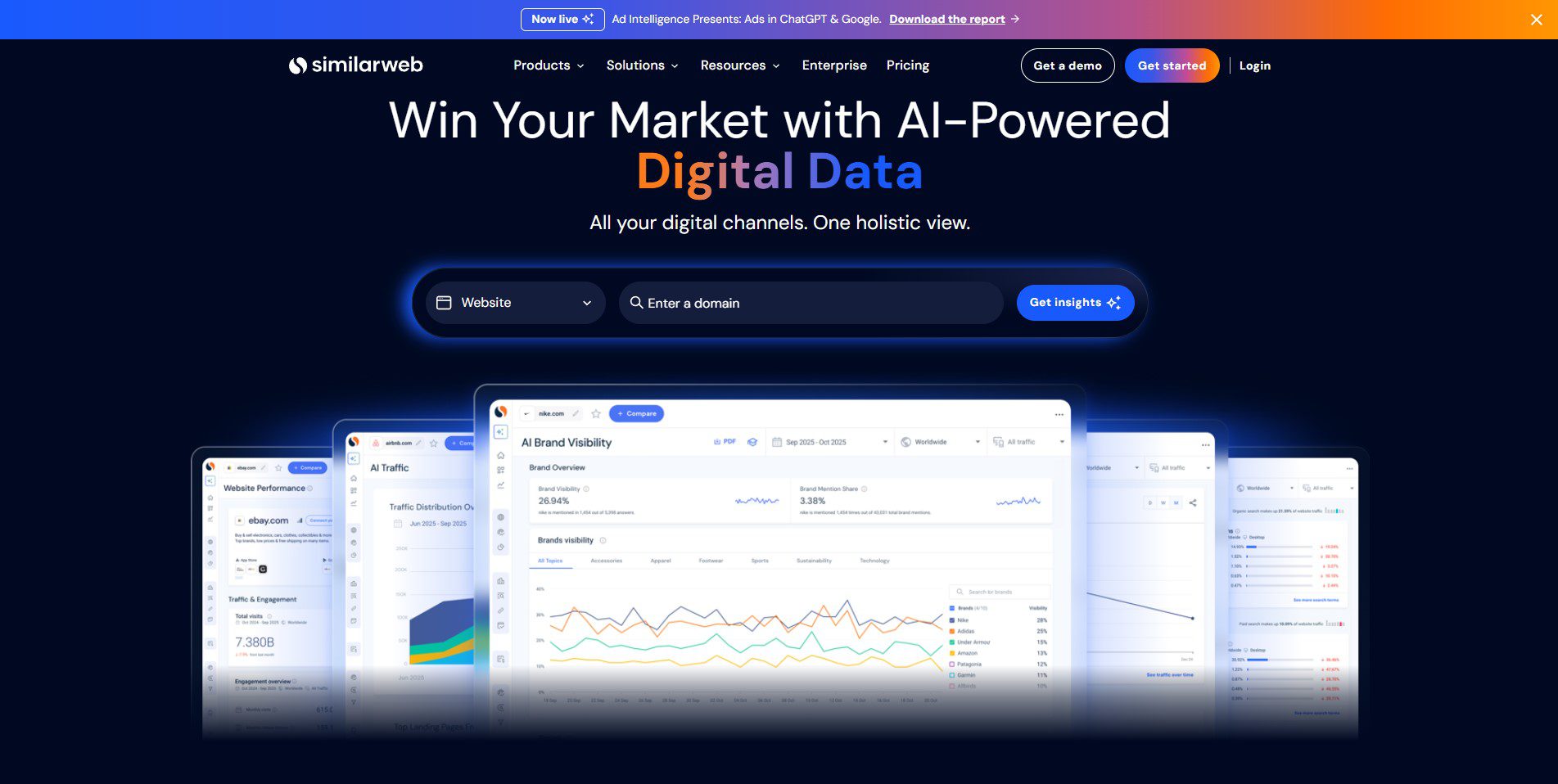
SimilarWeb is useful when you want to understand where a competitor’s traffic is coming from, not just search. It breaks down traffic into different sources like social, referrals, paid ads, and direct visits, giving a clearer picture of their overall strategy.
Key Features
- Full breakdown of traffic sources like social, referral, paid, organic, and direct.
- Compare up to 5 competitor websites at the same time.
- View audience details such as demographics and engagement patterns.
- Identify the technology stack used by any website.
SimilarWeb Pricing
| Plan | Price |
| Trial | 7 days free |
| Starter | $125/mo |
| Professional/Team | Custom pricing |
Pros
- Best tool for full-channel competitor intelligence.
- Independent studies have found that SimilarWeb performs relatively well for estimating mid-sized site traffic.
- Strong free plan for basic checks.
Cons
- The free plan has limited data, so you do not get very deep insights.
- It is also not the best option if you need a detailed keyword-level SEO analysis.
Who Should Pick SimilarWeb
E-commerce brands, media companies, and marketers who want to understand the full competitive picture beyond just SEO.
Who Should Skip
Bloggers or SEO teams who only care about organic keyword rankings.
5. Ubersuggest
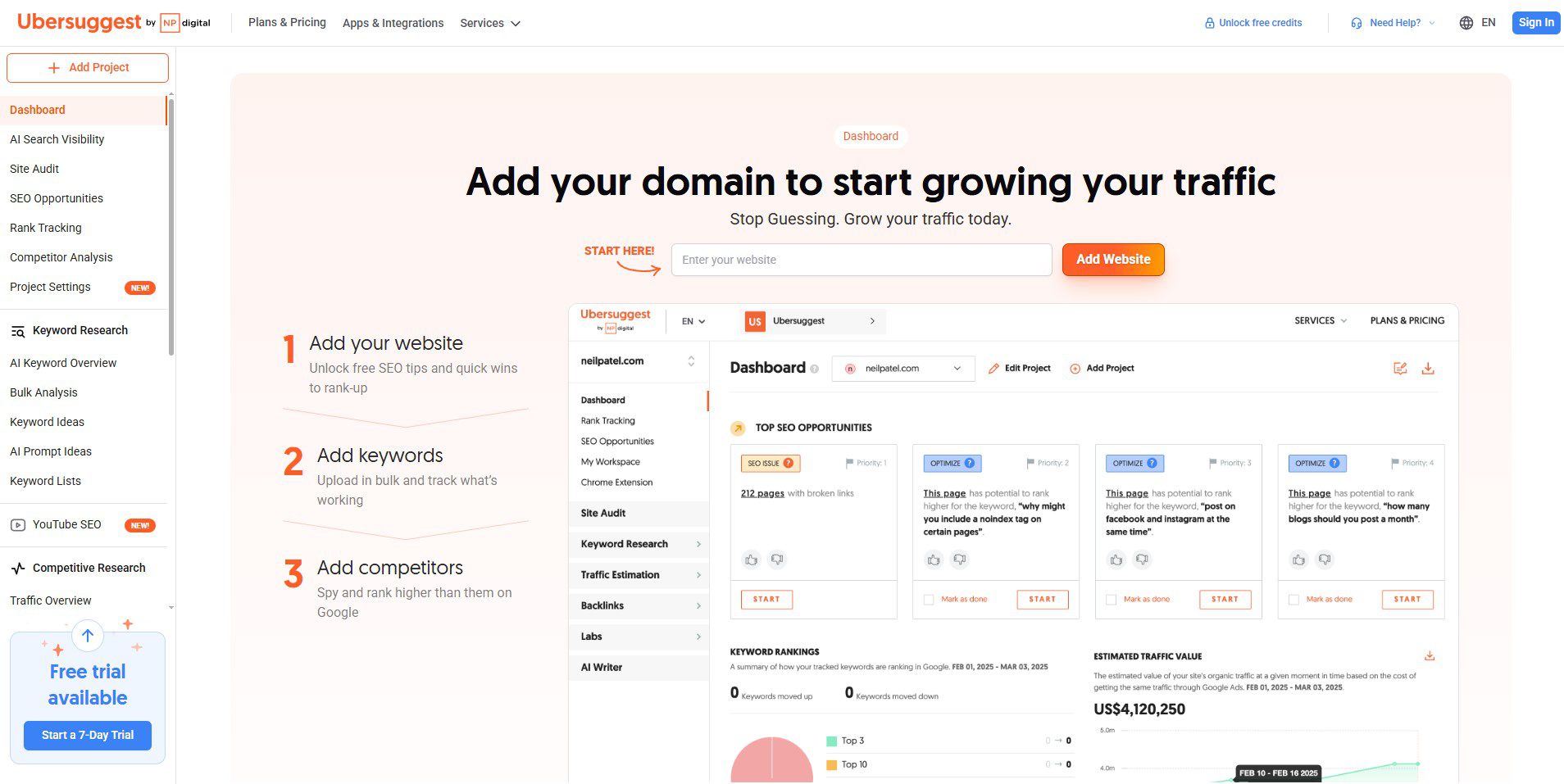
Ubersuggest, created by Neil Patel, is a beginner-friendly SEO and traffic tool. It helps you see organic traffic estimates, find keyword ideas, and run simple site audits without spending much money compared to premium tools.
Key Features
- Traffic overview for any domain.
- Keyword research with difficulty scores.
- Basic site audit and SEO suggestions.
- Competitor keyword gap report.
Ubersuggest Pricing
| Plan | Price |
| Free | Limited access |
| Individual | $12/mo |
| Business | $20/mo |
| Enterprise | $40/mo |
Pros
- Very affordable entry-level option.
- Simple, clean interface.
- Good for getting started without feeling overwhelmed.
Cons
- Data is less accurate than Semrush or Ahrefs.
- It has fewer advanced features compared to premium SEO tools, which can feel limiting as your needs grow.
Who Should Pick Ubersuggest
Bloggers, small business owners, and beginners who are looking for an affordable way to estimate organic traffic.
Who Should Skip
Agencies or advanced SEOs who need deep data and multi-user access.
6. SpyFu
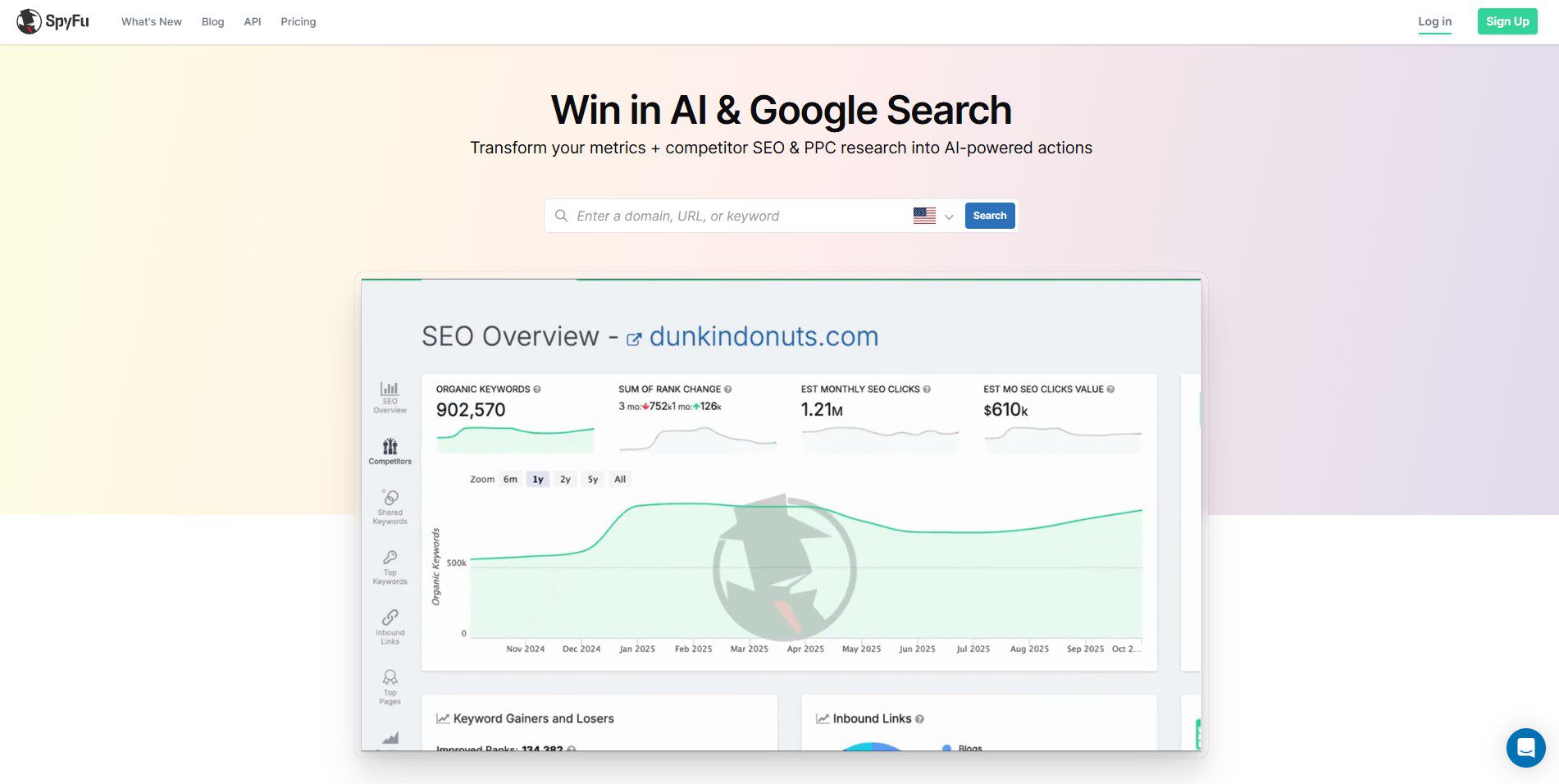
SpyFu focuses on competitor keyword research and paid search intelligence. It shows you every keyword a competitor has ever ranked for, both organic and paid, going back years. It is especially useful for a PPC strategy.
Key Features
- Competitor keyword history (organic and paid).
- Google Ads competitor analysis.
- Ranking history over time.
- Backlink outreach tools.
SpyFu Pricing
| Plan | Price |
| Basic | $39/mo |
| Professional | $59/mo |
| Team | $249/mo |
Pros
- Excellent for checking competitor website traffic from paid search.
- Historical data goes back further than most tools.
- Affordable compared to Semrush.
Cons
- Data accuracy trails Semrush and Ahrefs.
- Interface feels outdated compared to newer tools.
Who Should Pick SpyFu
PPC managers, affiliate marketers, and businesses running Google Ads campaigns.
Who Should Skip
Teams focused purely on organic SEO with no interest in paid search data.
7. Moz Pro
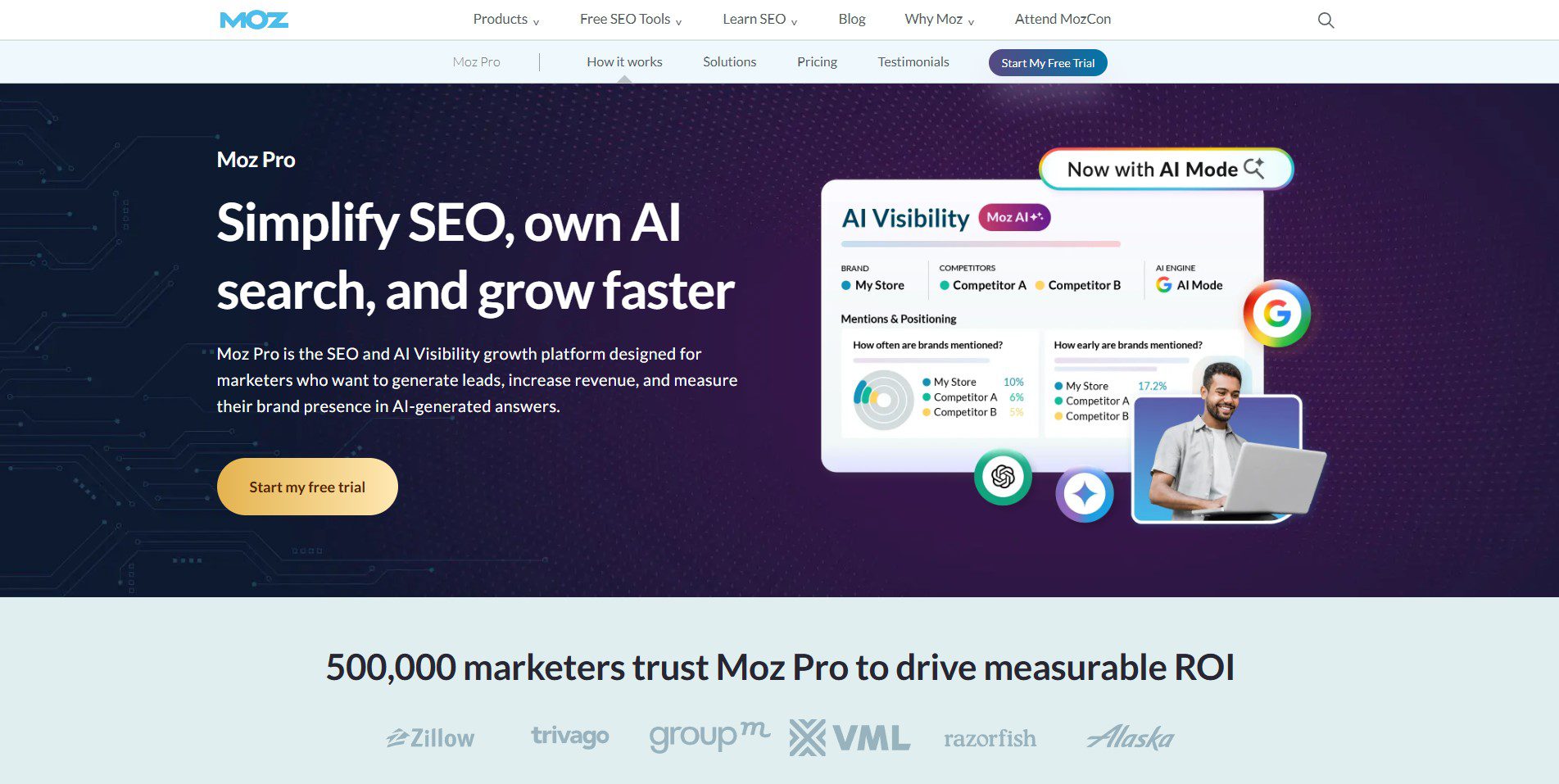
Moz Pro is best known for Domain Authority (DA), the metric that became an industry standard for measuring site strength. Its traffic tools are solid, and its interface is among the most beginner-friendly among premium tools.
Key Features
- Domain Authority and Page Authority tracking.
- Keyword Explorer with SERP analysis.
- Site audit and crawl diagnostics.
- Rank tracking across multiple locations.
Moz Pro Pricing
| Plan | Price |
| Free | Limited access |
| Standard | $99/mo |
| Medium | $179/mo |
| Large | $299/mo |
Pros
- Easiest premium interface for non-technical users.
- Trusted DA metric used across the industry.
- Good rank tracking features.
Cons
- Traffic data is less precise than Semrush or Ahrefs.
- Smaller keyword database than top competitors.
Who Should Pick Moz Pro
In-house marketers, small agencies, and teams new to SEO who want a simple, reliable platform.
Who Should Skip
Advanced SEOs who need the deepest competitive data and the largest keyword databases.
8. Serpstat
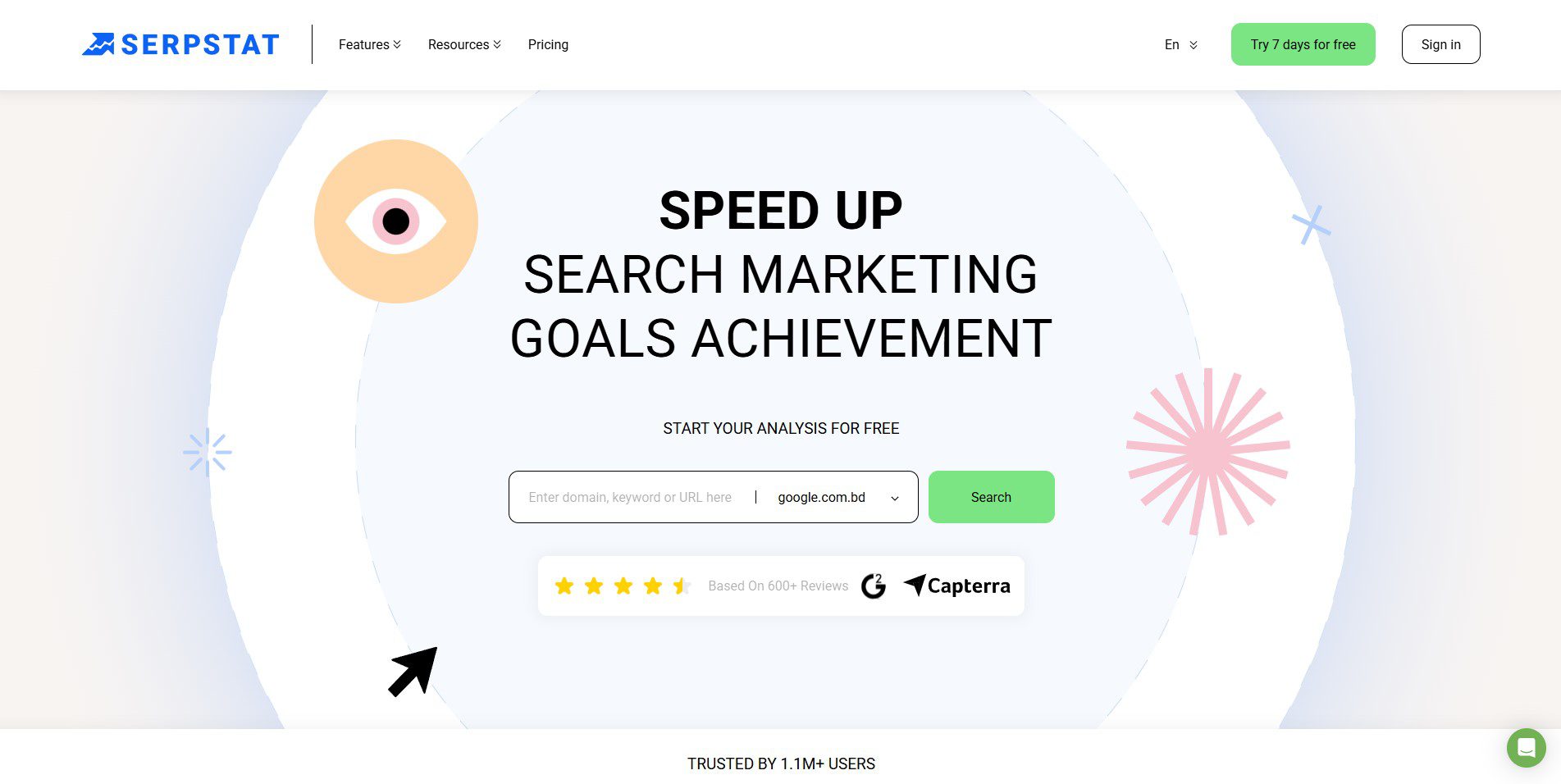
Serpstat is a budget-friendly all-in-one SEO tool that covers traffic analysis, keyword research, backlink audits, and rank tracking. It works well for teams that want many of the same features as Semrush, but at a more affordable price point.
Key Features
- Traffic analysis for any domain.
- Access to over 230 Google databases for keyword research.
- Detailed insights at both URL and domain level.
- PPC competitor analysis to study paid campaigns.
Serpstat Pricing Plan
| Plan | Price |
| Free | Limited access |
| Individual | $69/mo |
| Team | $129/mo |
| Agency | $499/mo |
Pros
- Good balance of features and price.
- Strong keyword database with 230-plus Google sources.
- Useful PPC and organic data in one place.
Cons
- Interface is less polished than Semrush.
- Traffic estimates are less accurate for small sites.
Who Should Pick Serpstat
Budget-conscious SEO teams, small agencies, and freelancers who need multi-function tools without premium pricing.
Who Should Skip
Enterprises or agencies needing the highest data accuracy and advanced reporting.
9. SE Ranking
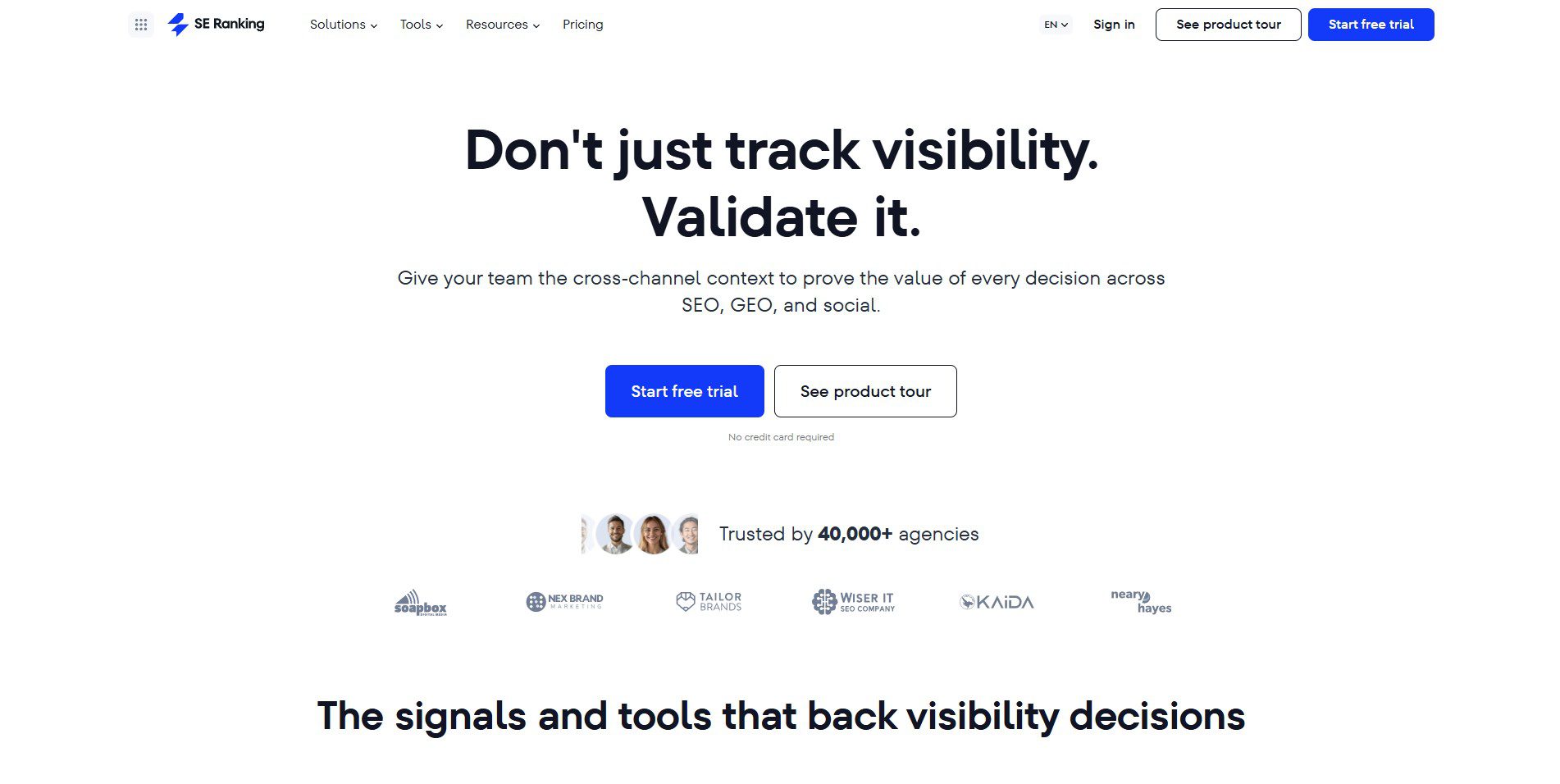
SE Ranking is a fast-growing SEO platform with one of the cleanest interfaces in the category. Its website traffic checker uses AI-powered algorithms to estimate monthly organic and paid traffic for any domain.
Key Features
- AI-powered traffic estimation with ungrouping techniques.
- Country-level traffic breakdown.
- Organic and paid traffic split.
- Google Analytics 4 integration for own-site data.
SE Ranking Pricing
| Plan | Price |
| Core | $129/mo |
| Growth | $279/mo |
Pros
- Clean, modern interface.
- Strong accuracy for organic traffic estimates.
- Seamless GA4 integration.
Cons
- Smaller backlink database than Ahrefs or Semrush.
- Less name recognition means fewer third-party integrations.
Who Should Pick SE Ranking
Growing businesses and SEO managers who want a modern, easy-to-use platform with solid traffic data.
Who Should Skip
Teams that rely heavily on backlink data as the core of their SEO workflow.
10. Cloudflare Analytics
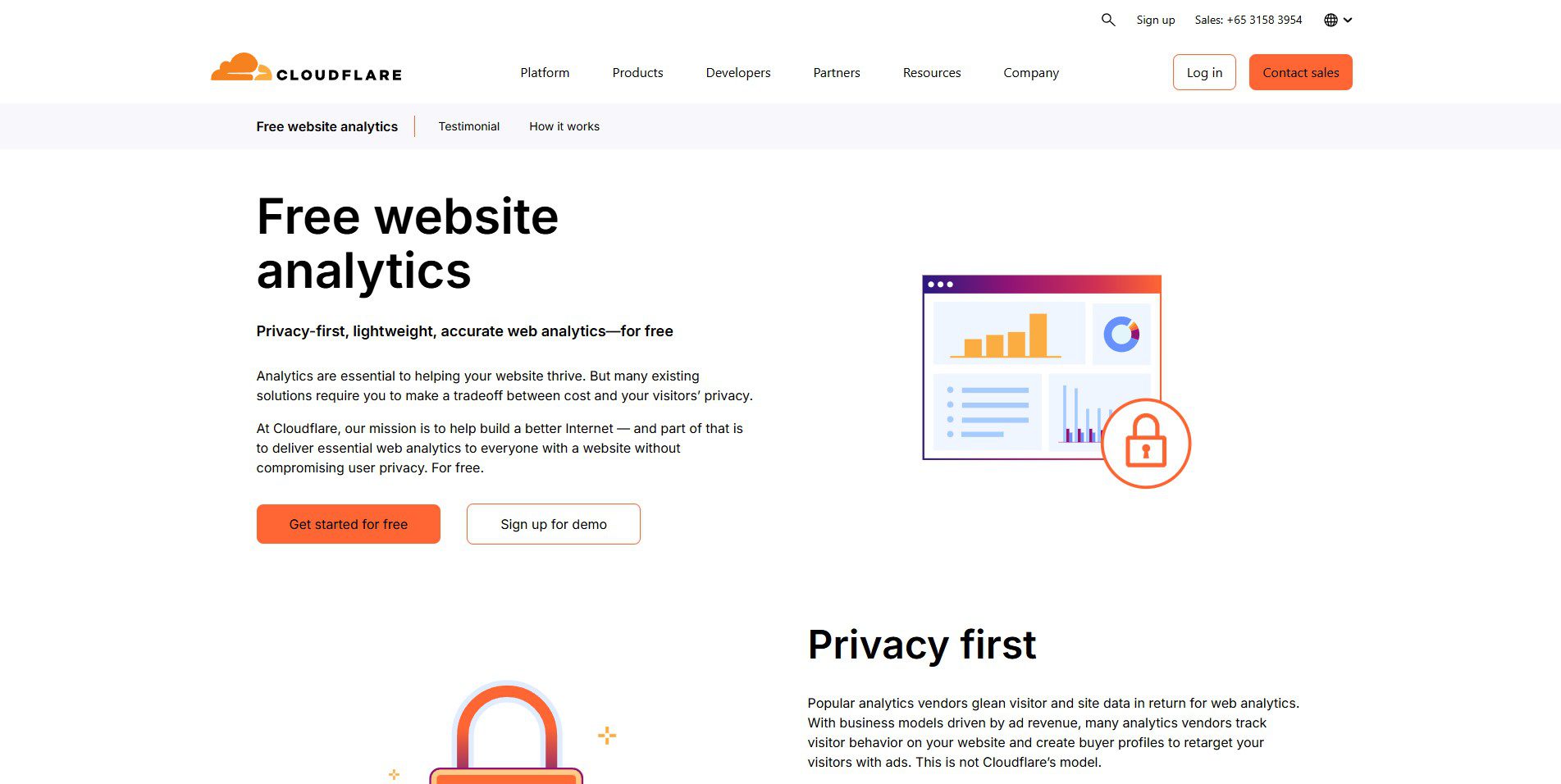
Cloudflare Analytics is a free option for website owners who want traffic insights without relying on cookies or intrusive tracking. It works at the network level, so it can still count visitors even when JavaScript tracking is blocked.
Key Features
- Cookieless, privacy-compliant traffic tracking.
- No data sampling (counts all traffic, not a subset).
- Bot traffic filtering.
- Page-level performance data.
Cloudflare Analytics Pricing
| Plan | Price |
| Free | $0/month |
| Pro | $20/mo (annual) or $25/mo monthly |
| Business | $200/mo (annual) or $250/mo monthly |
| Enterprise | Custom pricing |
Pros
- Completely free.
- No cookie consent issues under GDPR or CCPA.
- May capture visits missed by JavaScript-based analytics tools, such as GA4.
Cons
- Cannot check competitor traffic.
- Limited behavioral data compared to GA4.
Who Should Pick Cloudflare Analytics
Privacy-focused publishers, EU-based websites, and anyone who wants accurate traffic data without dealing with cookie compliance issues.
Who Should Skip
Teams that need full behavioral data, funnels, or competitor research tools.
Comparison Table
This table breaks down the top website traffic checker tools in a simple side-by-side view, helping you quickly compare pricing, ideal use cases, and AI-powered features so you can choose the right tool without confusion or extra research.
| Tool | Starting Price | Best For | AI Features |
| Google Analytics | Free | Website owners who want accurate data about their own visitors | Predictive insights + AI audiences |
| Semrush | $139.95/mo | SEO teams and agencies running full-scale campaigns | AI SEO tools + content insights |
| Ahrefs | $29/mo | SEOs focused on organic traffic and backlink-driven growth | AI keyword insights |
| SimilarWeb | Free / $125/mo | Marketers analyzing competitor traffic and channels | AI traffic intelligence |
| Ubersuggest | $12/mo | Beginners and bloggers tracking simple traffic insights | Basic AI SEO suggestions |
| SpyFu | $39/mo | PPC marketers analyzing competitor ads and keywords | AI keyword grouping |
| Moz Pro | $99/mo | Beginner SEO teams learning traffic and rankings | AI-powered insights |
| Serpstat | $69/mo | Budget SEO teams needing all-in-one traffic + keyword tools | AI clustering tools |
| SE Ranking | $129/mo | Growing businesses tracking traffic and SEO performance | AI traffic estimation |
| Cloudflare Analytics | Free / $20/mo | Privacy-focused site owners needing clean traffic data | AI bot detection |
Want better data to understand your website and competitors?
At The Tool Marketer, we help marketers and business owners make smarter decisions using SEO tools, analytics platforms, and real traffic insights.
Explore our latest guides to compare tools, improve tracking, and grow your website with data-driven strategies.
Conclusion
The best website traffic tools are Semrush, Ahrefs, and SimilarWeb for competitor research, and Google Analytics for your own site. But the real value comes from consistency, not the tool itself.
Start simple with free plans, and only upgrade when you actually need more. In the end, it is how you use the data that makes the difference.
Frequently Asked Questions
1. What is the best free website traffic checker?
The best free traffic checker really depends on what you are trying to do. If you want to see how people use your own website, Google Analytics is hard to beat. If you are curious about competitor traffic, SimilarWeb gives a decent overview without spending money.
2. How do I check competitor website traffic for free?
You can use tools like SimilarWeb, SpyFu, or Ahrefs to get an estimate of how much traffic another website receives. The numbers will not be exact, but they are useful for comparing competitors and spotting growth trends over time.
3. Which tool gives the most accurate organic traffic estimates?
No traffic tool gets it right every time. Ahrefs, Semrush, and SimilarWeb all have strengths, and results often vary from one website to another. The smartest approach is to compare data from more than one source instead of relying on a single estimate.
4. Can I check website traffic without installing the tracking code?
Yes, you can estimate website traffic without installing anything using tools like Semrush or SimilarWeb. But if you want accurate insights into how people actually use your own website, proper tracking tools are still the better option.
5. Are free website traffic checker tools accurate enough?
For most people, free tools are accurate enough to understand trends and compare websites. They are useful when you want a general idea of performance. Just do not expect every number to match real traffic perfectly.
6. Why does Google Analytics show different numbers from other tools?
It is normal to see different traffic numbers in different tools. Each platform uses its own method, and some rely on estimates instead of real data. That is why the numbers rarely match exactly, even for the same website.
7. Should I use more than one website traffic tool?
Yes, using more than one tool usually gives a clearer picture. One helps you understand your own visitors, while another shows what competitors are doing. Together, they make it easier to make informed decisions instead of guessing.