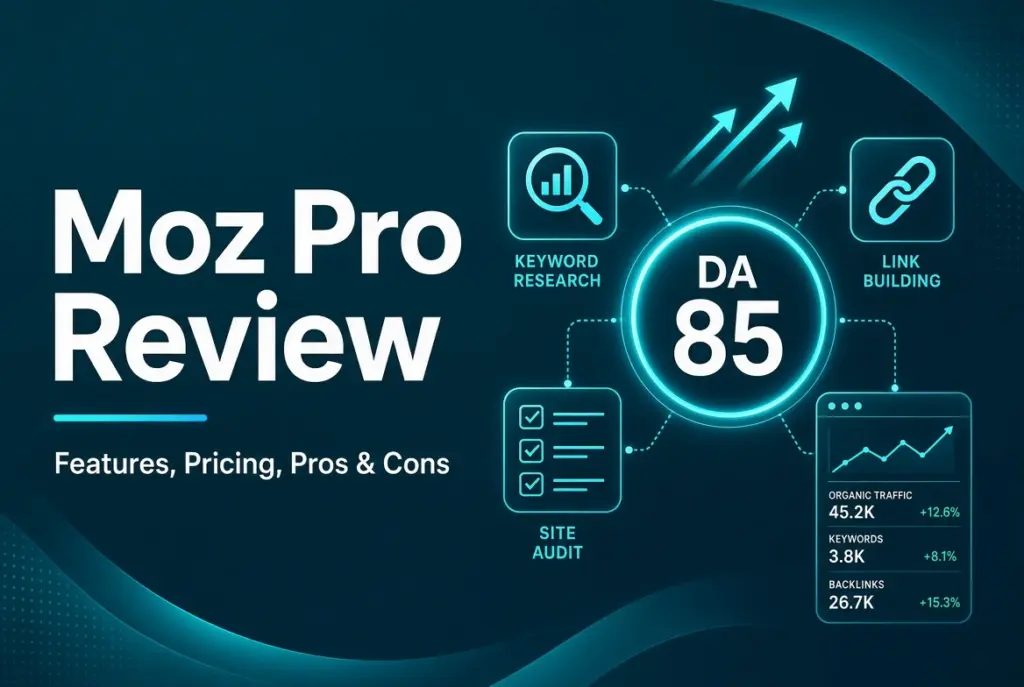
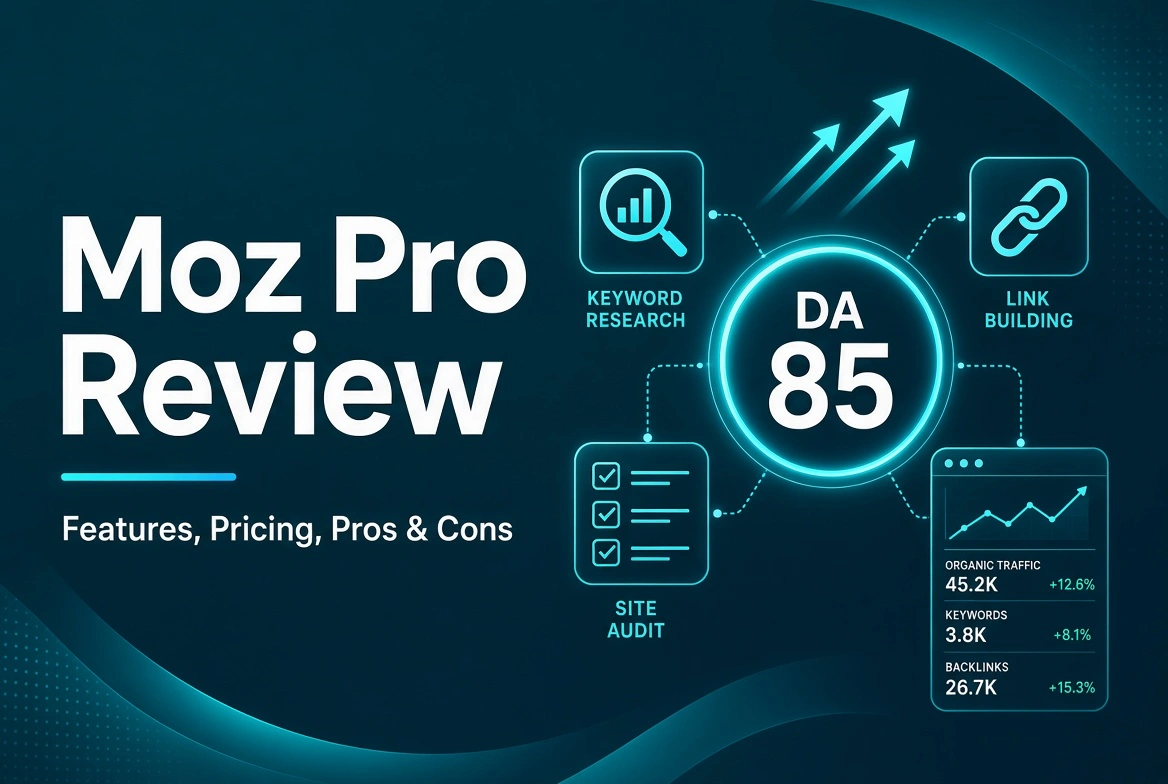
Moz Pro has been a household name in SEO since 2004. This Moz Pro review breaks down whether the tool still earns its place in your marketing stack this year.
The platform built its reputation on Domain Authority, a metric that almost every marketer still checks today. But metrics age, and tools change fast, so a fresh look matters.
This review covers the features, the pricing, and real user feedback pulled from independent platforms. We also compare Moz Pro against Ahrefs and Semrush, so you know exactly where it stands.
By the end, you will know who Moz Pro is best for, who should skip it, and whether the free trial is worth your time this week.
What Is Moz Pro?
Moz Pro is an all-in-one SEO platform. It bundles keyword research, site audits, rank tracking, and backlink analysis into one dashboard. Marketers use it daily to plan content and track rankings.
The company built its name on Domain Authority, or DA. This metric estimates a website’s chances of ranking well against similar search engine results.It became an industry standard almost overnight.
Moz also created the MozBar browser extension and the Whiteboard Friday video series. Both taught a whole generation of marketers the basics of SEO long before most tools existed.
Moz Pro is best known for serving small businesses, bloggers, and beginner to intermediate SEO professionals. It keeps things approachable without stripping away the tools that actually matter for daily work.
More than 500,000 marketers worldwide have used Moz at some point, according to Moz’s own product page. That kind of longevity says something in a fast-moving industry.
Over time, Moz Pro shifted from a link-focused tool into a broader platform. It now covers the full SEO workflow, from finding keywords to fixing technical errors to tracking rankings over months.
Key Features of Moz Pro
Moz Pro packs several tools into one subscription. Each plays a specific role in your workflow, from finding keywords to spotting technical issues before they hurt your rankings.
Keyword Explorer
Keyword Explorer is one of Moz Pro’s strongest tools. It shows search volume, keyword difficulty, and organic click-through rate for any term you type into the search bar.
What makes it stand out is the Priority Score. This single number combines volume, difficulty, and click potential, helping you pick winning keywords fast without having to compare endless spreadsheet columns.
The tool also shows an Organic CTR metric, something many competing platforms skip entirely. This tells you how often people actually click a result, even one that ranks near the top.
For bloggers juggling dozens of topic ideas, this simplified scoring saves real time. You spend less energy sorting data and more energy writing content that actually targets the right search intent.
Site Audit and On-Page Grader
The Site Audit tool crawls your entire website and flags technical problems. It catches broken links, duplicate content, slow pages, and missing meta tags before search engines notice them.
The On-Page Grader scores individual pages against a target keyword. It gives specific, plain-language suggestions for improving content, so you always know exactly what to fix next.
Reviewers on G2 often praise the clarity of the explanation of the audit results. Instead of just listing errors, Moz Pro tells you why each one matters for your search visibility.
Rank Tracking
Rank Tracking monitors your keyword positions across Google and other search engines. You can track results by device, location, and competitor, all in one clean, readable report.
This feature helps you see whether your SEO efforts are actually paying off week to week. It also flags quick shifts caused by algorithm updates, so you can react before rankings slide further.
Link Explorer and Domain Authority
Link Explorer shows your backlink profile and lets you run competitor analysis on any rival domain, too. You get Domain Authority, Page Authority, and Spam Score numbers for every domain you search.
Many users say the one-click Spam Score check is one of the most useful perks on offer. It helps you spot toxic backlinks that could quietly hurt your site’s reputation over time.
MozBar Browser Extension
MozBar is a free Chrome extension that shows SEO data as you browse the web. You get instant Domain Authority, Page Authority, and on-page metrics for any site you happen to visit.
It saves you from switching tabs constantly during competitor research. Many SEO beginners say MozBar was their very first real introduction to how search engines evaluate a website.
The extension also works well during client calls or team meetings. Pulling up live Domain Authority numbers on the spot adds credibility without opening a separate report first.
What’s New in Moz Pro for 2026
Moz Pro has evolved a lot over the past two years, and it shows. According to a detailed 2026 testing breakdown, the platform added ChatGPT visibility tracking, which shows how often your brand shows up in AI-generated answers.
This matters because more people now search using AI chat tools instead of typing directly into Google. Moz Pro also added keyword prompt suggestions, built around how people phrase questions to AI assistants.
These updates make Moz Pro feel far more current than its older reputation might suggest. It is no longer just a classic keyword and backlink tool but one that adapts to how search itself is shifting.
Moz Pro Pricing Plans
Moz Pro pricing depends on plan size, but it stays firmly in the mid-range compared to other major SEO platforms. Every plan listed on Moz’s official pricing page includes the full core feature set without confusing add-on fees.
Starter Plan
The Starter plan costs about $39 per month when billed annually. It works for a single website with light keyword-tracking needs, though the 50-keyword limit feels tight fairly quickly.
Standard Plan
The Standard plan runs around $79 per month on an annual bill. It covers 300 tracked keywords across three sites, which comfortably fits most freelancers’ and small agency workflows.
Medium and Large Plans
Medium and Large plans scale up keyword limits, site crawls, and user seats. These are ideal for growing agencies or in-house teams juggling multiple client websites simultaneously.
Annual billing saves about 20 percent compared to paying month-to-month. If you already know Moz Pro fits your workflow, committing to a yearly plan makes the most financial sense.
In a direct price comparison, Moz Pro stays consistently in the mid-range, while Ahrefs pricing sits closer to the top. It never swings to the very high or very low end otherwise.
Free Trial Details
Moz Pro offers a 30-day free trial with full Pro plan access, and no credit card is required to start. That beats Semrush’s 14-day trial and Ahrefs, which offers no free trial at all.
Moz Pro Pros and Cons
No SEO tool is perfect, and real user reviews on G2 and Capterra reveal a fairly consistent pattern worth paying attention to.
Capterra rates Moz Pro 4.5 out of 5 overall, based on 349 verified reviews, with an ease-of-use score of 4.3 out of 5.
What Users Like
- Clean, beginner-friendly interface that does not overwhelm new users
- Reliable Domain Authority and Page Authority scores for quick site evaluation
- Helpful educational resources built right into the platform
- One-click Spam Score checks through the MozBar extension
- Strong customer service, rated 4.5 out of 5 on Capterra
What Users Dislike
- The keyword database is smaller than Ahrefs and Semrush, especially for long-tail terms
- Data freshness lags behind competitors at times
- Backlink index feels limited for deep competitor research
- Some users find the interface confusing when switching between tools
- Pricing feels high to users who only need basic keyword tracking
Moz Pro vs Ahrefs vs Semrush
Choosing between these three platforms comes down to your budget and how deep your SEO needs actually go. Here is a quick side-by-side comparison to make the decision easier.
Ahrefs wins on backlink data depth and overall data quality. Semrush wins on keyword database size and built-in PPC research tools, though Semrush pricing sits the highest among the three. Moz wins on price, simplicity, and free trial length.
For local SEO specialists and beginner to intermediate marketers, Moz Pro often makes the most practical sense. For agencies chasing deep competitive intelligence at scale, the other two may serve you better.
Ease of use also plays a real role in this decision. Semrush and Ahrefs pack in more advanced features, but that complexity can slow down teams that need clear answers fast.
Think honestly about how often you need niche, international keyword data or a massive backlink index. Many small teams never touch those deeper features, which makes Moz Pro’s simpler approach a genuinely practical fit.
Is Moz Pro Worth It?
Moz Pro earns its price for a specific type of user. If you fit that profile, it delivers strong value without the steep learning curve that larger platforms tend to demand.
Moz Pro works well for bloggers, small business owners, local SEO specialists, and solo ecommerce operators. Its beginner-friendly design and trusted DA metric make it a natural entry point into SEO tools.
Who Should Skip Moz Pro
Agencies needing deep competitive intelligence at scale should look elsewhere. Link-building specialists who need the deepest backlink index will find Ahrefs more useful for that specific, narrow job.
Teams doing keyword research in niche international markets may also struggle here. Semrush’s larger keyword database gives a clearer picture in those less common, highly specific search markets.
Large enterprise SEO teams managing hundreds of client sites might outgrow Moz Pro’s limits fast. In those cases, the higher cost of a bigger platform usually pays for itself over time.
Suppose your work leans heavily on international SEO or enterprise-level reporting, factor that into your decision early. Switching platforms later, once your data history is built up, can feel like starting over.
Final Verdict
Moz Pro remains a solid, dependable SEO tool in 2026. It is not the biggest or the most advanced platform on the market, but it does not need to be for most users.
For beginners, local SEO specialists, and budget-conscious teams, Moz Pro offers genuine value. Its long free trial, simple interface, and trusted DA metric make it an easy tool to start with today.
Ready to see it for yourself? Sign up for the 30-day free trial and test Moz Pro’s Keyword Explorer, Site Audit, and Link Explorer on your own website before committing to any paid plan.
Frequently Asked Questions
Is Moz Pro good for beginners?
Yes. Moz Pro has a clean, simple interface and built-in educational resources. It ranks among the most beginner-friendly SEO platforms available today, especially for first-time users.
How much does Moz Pro cost per month?
Plans start at around $39 per month on an annual billing plan for the Starter tier. The Standard plan costs about $79 per month and covers more keywords and sites.
Is Moz Pro better than Ahrefs?
It depends on your needs. Ahrefs offers deeper backlink data and a larger keyword database, but Moz Pro is more affordable and noticeably easier for beginners to learn.
Does Moz Pro have a free trial?
Yes. Moz Pro offers a 30-day free trial with full access to Pro plan features. No credit card is required to sign up and start testing right away.
What is Domain Authority in Moz Pro?
Domain Authority is a 1 to 100 score that gives you a rough sense of how a site might stack up in search results. Moz created this metric, and it remains an industry standard.