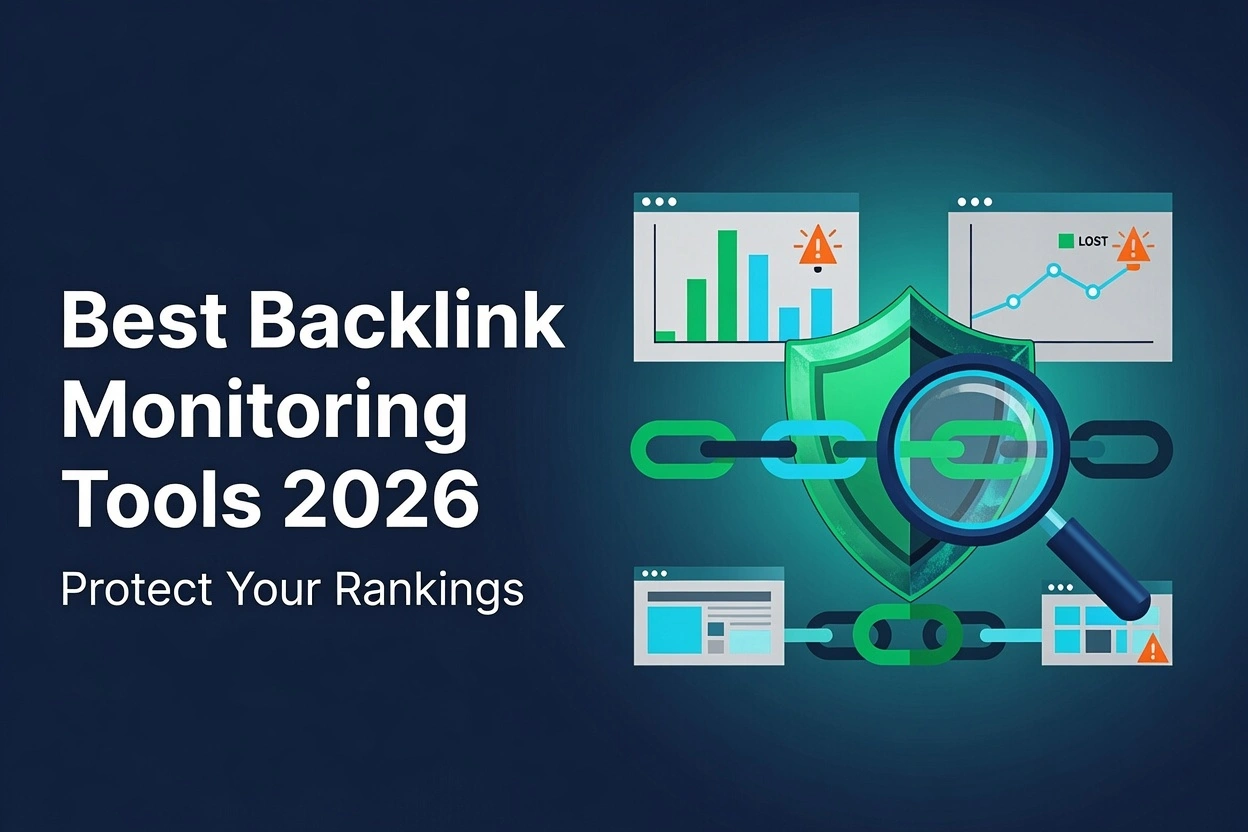
Backlinks still carry serious weight in search rankings, but earning them is only half the job. Losing them quietly, without ever knowing, can undo months of link-building work. That is exactly where the right monitoring tool earns its place in your stack.
Backlink tracking is one area where the wrong choice costs you real visibility. This guide breaks down the best backlink monitoring tools in 2026, explains what makes each one worth using, and helps you pick the right fit for your site.
What Are Backlink Monitoring Tools?
A backlink monitoring tool tracks your link profile over time instead of showing you a single snapshot. It flags new links, lost links, and changes in link quality so you always know where you stand.
This is different from a one-time backlink checker. A checker gives you a quick look at your current backlinks monitoring tools data. A monitoring tool watches your profile continuously and alerts you the moment something changes.
Most tools pull data from their own crawler index, similar to how Google Search Console pulls first-party data straight from Google. The best ones combine both sources for a fuller, more accurate picture of your domain authority and referring domains.
Why Backlink Monitoring Is Important
Links get removed all the time, often without any warning from the site that removed them. A page gets redesigned, a blog post gets deleted, or a webmaster forgets your link existed in the first place.
Without monitoring, you might not notice a lost backlink for months. By then, the ranking boost that the link gave you has already faded, and your competitor may have picked up the same link opportunity.
Monitoring also protects you from harmful links pointing to your site. Spammy or low-quality domains can link to you without your permission, hurting your link velocity and dragging down your overall trust signals with search engines.
Beyond protection, tracking backlinks also helps with competitor backlink analysis. You can see where competitors are earning links and use those same opportunities to strengthen your own anchor text diversity and topical authority.
Core Features Every Backlink Monitoring Tool Should Offer
Not every tool offers the same depth of data, so knowing what matters most saves you time and money. Here are the features that separate a genuinely useful tool from a basic checker.
Real-Time Alerts
Look for tools that notify you the moment a backlink is gained or lost. Real-time alerts mean you can act fast, whether that means reaching out to reclaim a lost link or capitalizing on a new one.
Link Quality Metrics
Metrics like spam score, trust flow, and domain rating help you judge whether a backlink is actually helping your site. High-quality entities linking to you carry far more weight than low authority, spammy domains ever will.
Historical Backlink Data
A tool with historical data lets you track your link profile growth over months or years. This context helps you spot patterns, assess the success of outreach campaigns, and forecast future link-building needs.
Competitor Comparison
The best tools let you compare your backlink profile side by side with competitors. This makes it easier to spot gaps, find fresh link opportunities, and benchmark your progress against others in your niche.
Comparison Table of Backlink Monitoring Tools
Here’s a quick side-by-side look at how these tools compare on price, plans, and standout strengths.
Best Backlink Monitoring Tools in 2026
Now, let’s look more closely at each tool on the list. We picked these based on hands-on testing, pricing value, and how well each one fits different types of website owners.
1. Ahrefs
Ahrefs runs one of the largest backlink indexes, making its data among the most complete in the industry. Its Site Explorer shows referring domains, anchor text, and link growth history in one clean dashboard. For a full breakdown of its features and pricing, check out our full Ahrefs review here.

Key features:
- Massive backlink index with daily crawler updates.
- Site Explorer for referring domains and anchor text.
- New and lost link tracking with alerts.
- Domain Rating and URL Rating metrics.
- Competitor backlink gap analysis.
Pros:
- Extremely large and accurate link index.
- Detailed historical link growth data.
- Strong competitor comparison features.
Cons:
- Higher price point than many alternatives.
- Steeper learning curve for beginners.
Pricing: Starts at $129/month.
Best for: Agencies and larger sites needing deep link data.
2. Semrush
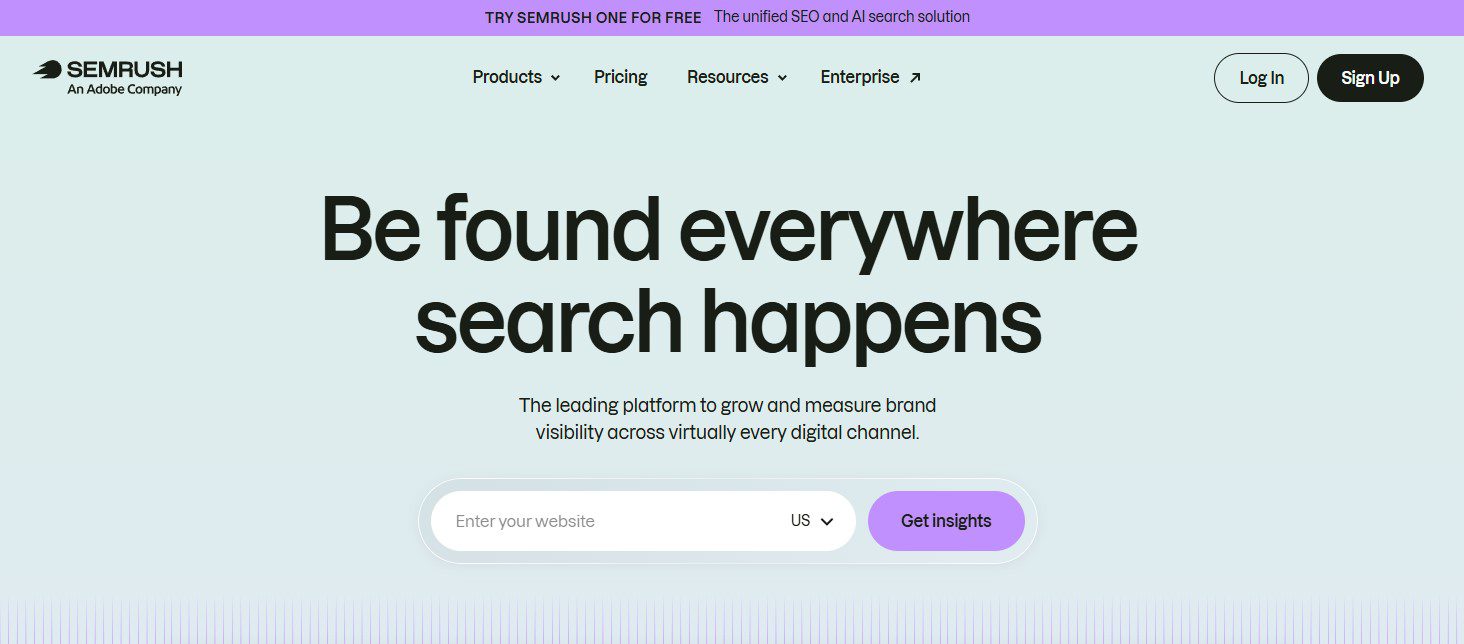
Semrush combines backlink monitoring with a full SEO toolkit, making it a strong pick for teams that want everything in one place. Its Backlink Audit tool automatically flags toxic links, saving hours of manual review. For a side-by-side look at how it stacks up against Ahrefs, read our detailed Ahrefs vs Semrush breakdown.
Key features:
- Backlink Audit tool with automatic toxic link flagging.
- Backlink Analytics for competitor comparison.
- Link-building outreach tools are built in.
- Bulk backlink analysis for multiple domains.
- Detailed anchor text and referring domain reports.
Pros:
- All-in-one SEO suite beyond just backlinks.
- Strong toxic link detection.
- Useful for managing multiple client sites.
Cons:
- It can feel overwhelming for beginners.
- Pricing adds up with add-ons.
Pricing: Starts at $139.95/month.
Best for: Agencies managing multiple client sites.
3. Moz Link Explorer
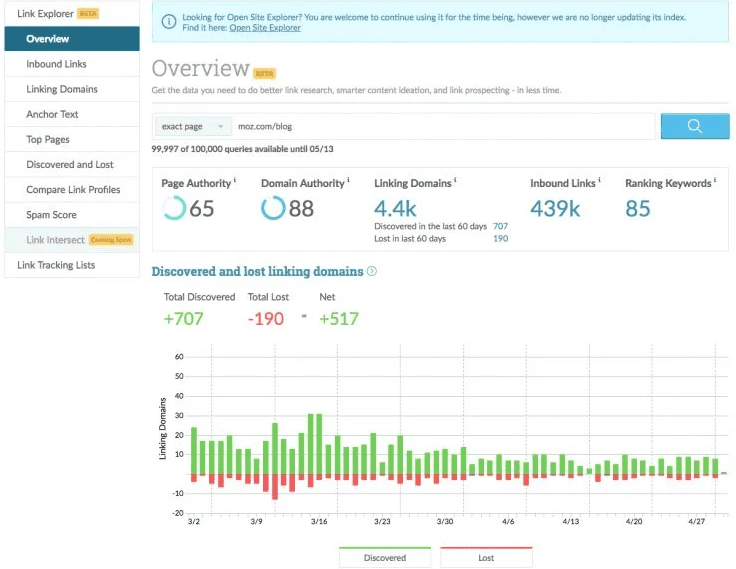
Moz built its reputation on Domain Authority, a metric many marketers still use to judge link value. Its Spam Score feature helps you quickly identify risky backlinks before they cause any damage.
Key features:
- Domain Authority and Page Authority scores.
- Spam Score for risky link detection.
- Link Intersect for competitor gap analysis.
- Discovered and lost link tracking.
- Simple, beginner-friendly dashboard.
Pros:
- Easy to understand for beginners.
- Reliable Domain Authority metric.
- Clean, simple interface.
Cons:
- Smaller link index than Ahrefs or Semrush.
- Fewer advanced features for power users.
Pricing: Starts at $99/month.
Best for: Beginners wanting reliable, simple data.
4. SE Ranking
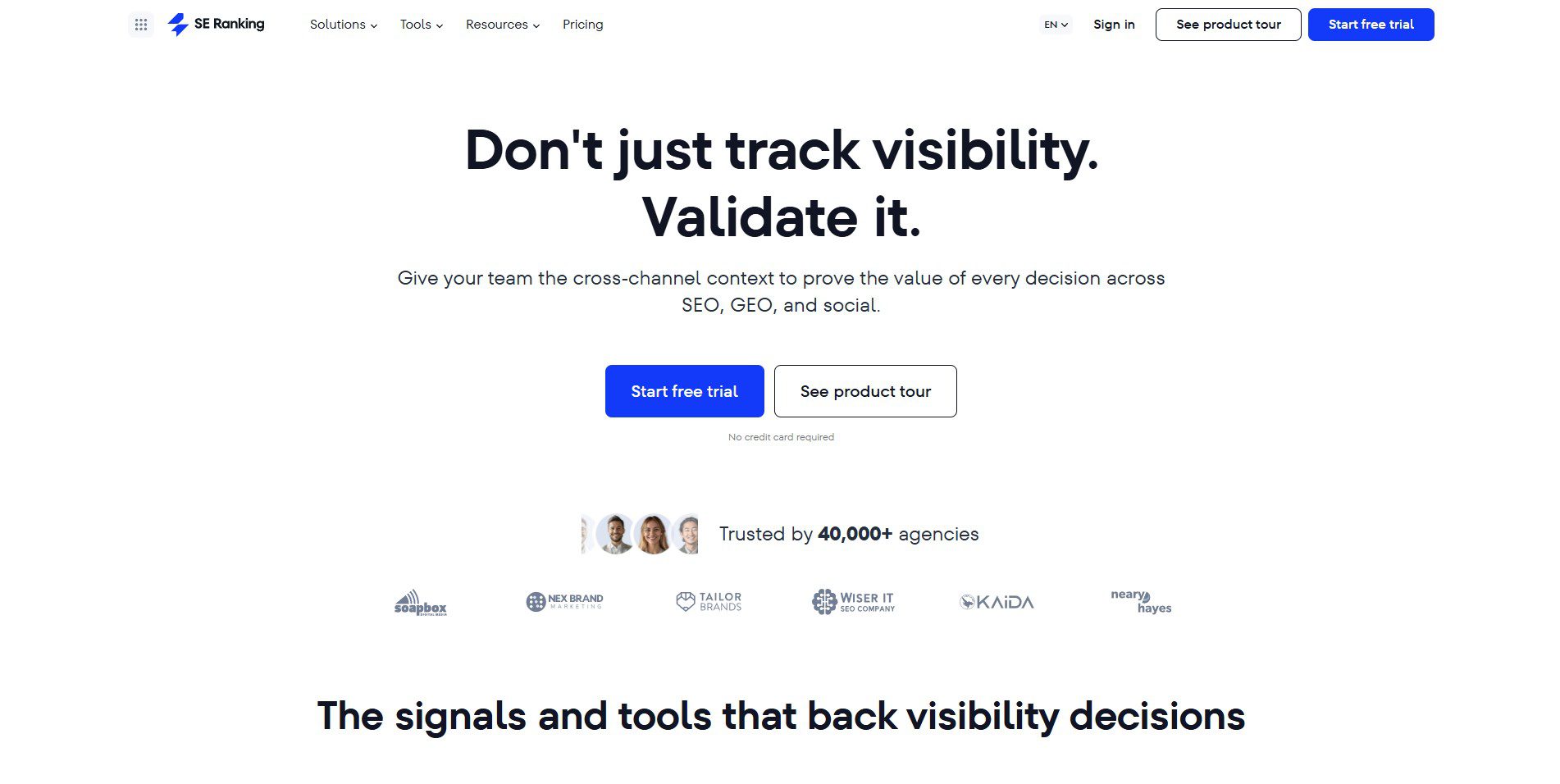
SE Ranking offers a strong mix of backlink checking and ongoing monitoring at a lower price point than most competitors. It combines link tracking with rank tracking, giving you a broader view of your SEO performance.
Key features:
- Combined backlink checker and monitor.
- Rank tracking alongside link data.
- White-label client reports.
- Toxic link identification.
- Competitor backlink comparison.
Pros:
- Affordable compared to major competitors.
- Combines multiple SEO functions in one tool.
- Clean, easy-to-read reporting.
Cons:
- The link index is smaller than that of top-tier tools.
- Some features feel less polished.
Pricing: Starts at $65/month.
Best for: Agencies and freelancers on a budget.
5. Majestic
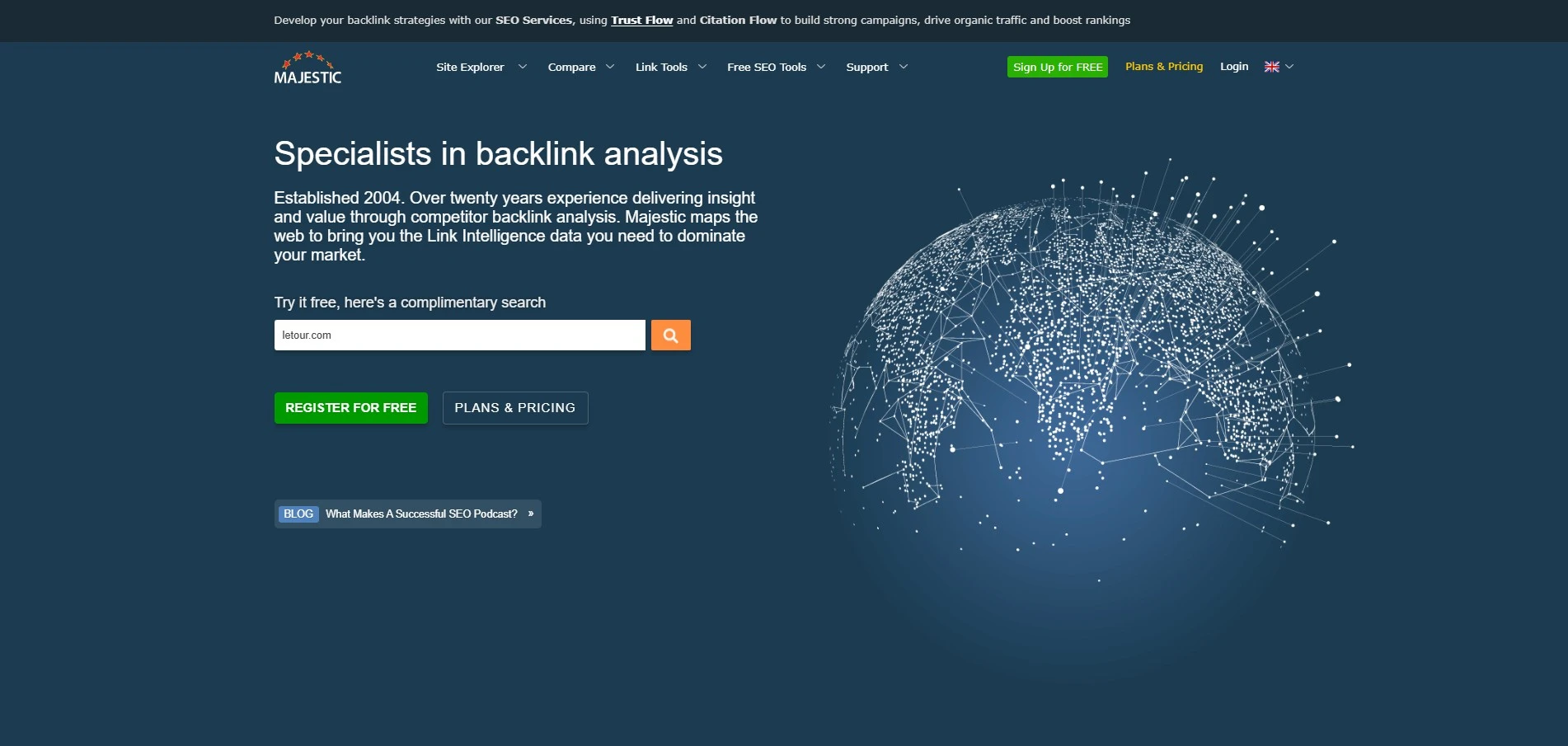
Majestic earned its reputation through two signature metrics, Trust Flow and Citation Flow, which weigh link authority against link volume. Its historical index stretches further back than most rival tools can offer.
Key features:
- Trust Flow and Citation Flow metrics.
- Historic index dating back years.
- Fresh index for newly discovered links.
- Backlink history charts.
- Bulk backlink checker tool.
Pros:
- Deep, historic link quality data.
- Strong metrics for judging link authority.
- Useful for detailed link quality research.
Cons:
- Interface feels dated compared to rivals.
- Lacks broader SEO toolset features.
Pricing: Starts at $49.99/month.
Best for: SEOs focused on link quality research.
6. Monitor Backlinks
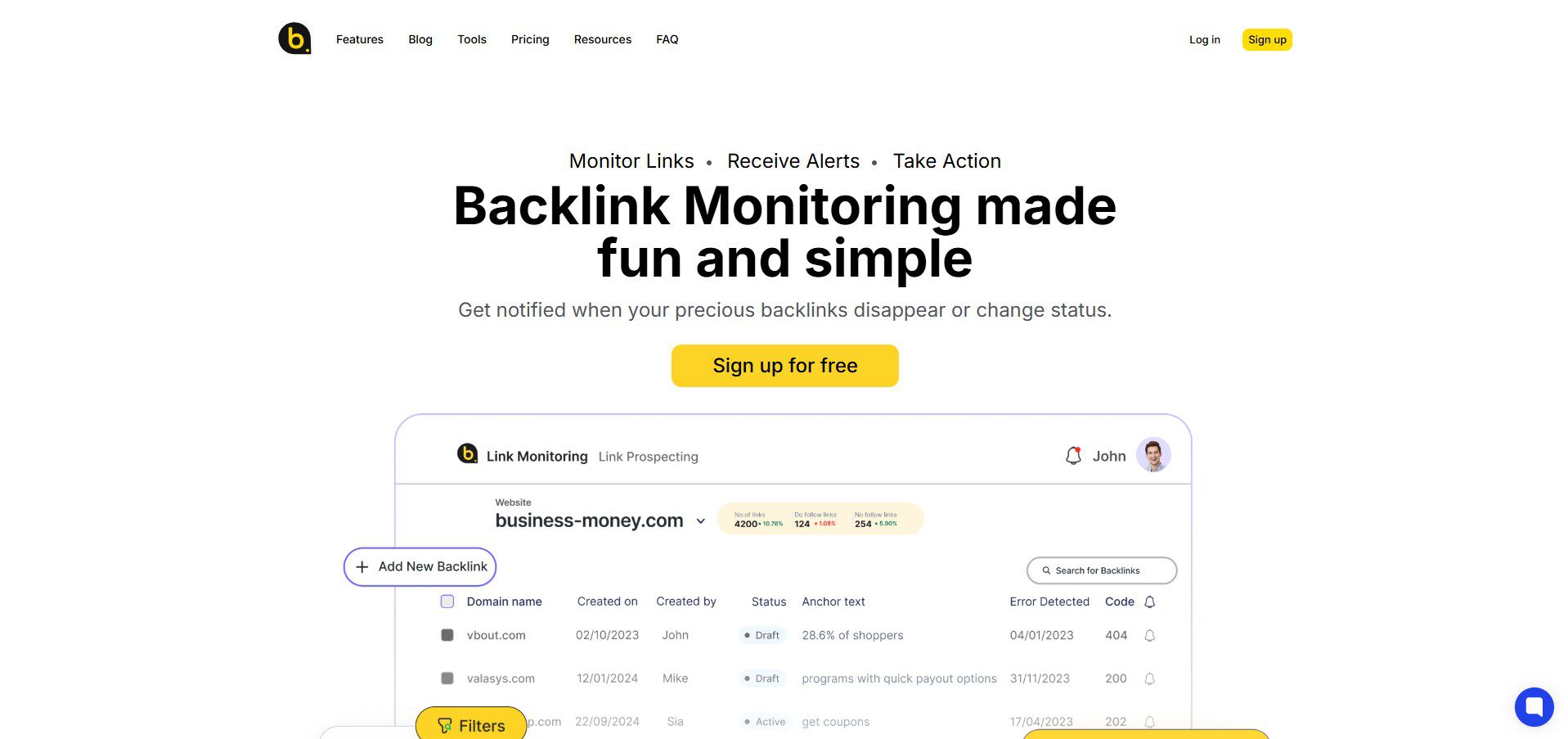
Monitor Backlinks keeps things simple with straightforward alerts whenever you gain or lose a link. It skips the complex dashboards found in bigger platforms, focusing instead on clear, actionable notifications.
Key features:
- Instant alerts for new and lost links.
- Competitor backlink monitoring.
- Disavow file management.
- Simple, uncluttered dashboard.
- Link building progress tracking.
Pros:
- Very easy to set up and use.
- Friendly pricing for small budgets.
- Clear, no-nonsense alert system.
Cons:
- No free plan available.
- Smaller link database than premium tools.
Pricing: Starts at $25.83/month.
Best for: Small business owners wanting simple tracking.
7. Google Search Console
Google Search Console pulls backlink data directly from Google’s index, and it’s free to use. It lacks the depth of paid tools, but it remains a dependable starting point for any website owner.
Key features:
- First-party backlink data from Google.
- Top linking sites and pages report.
- Anchor text reports.
- Indexing and crawl error tracking.
- Search performance and click data.
Pros:
- Completely free for every site owner.
- Direct data straight from Google.
- Includes valuable indexing and performance data.
Cons:
- Limited backlink depth compared to paid tools.
- No real-time alerts for lost links.
Pricing: Free.
Best for: Every website owner as a baseline tool.
8. Linkody
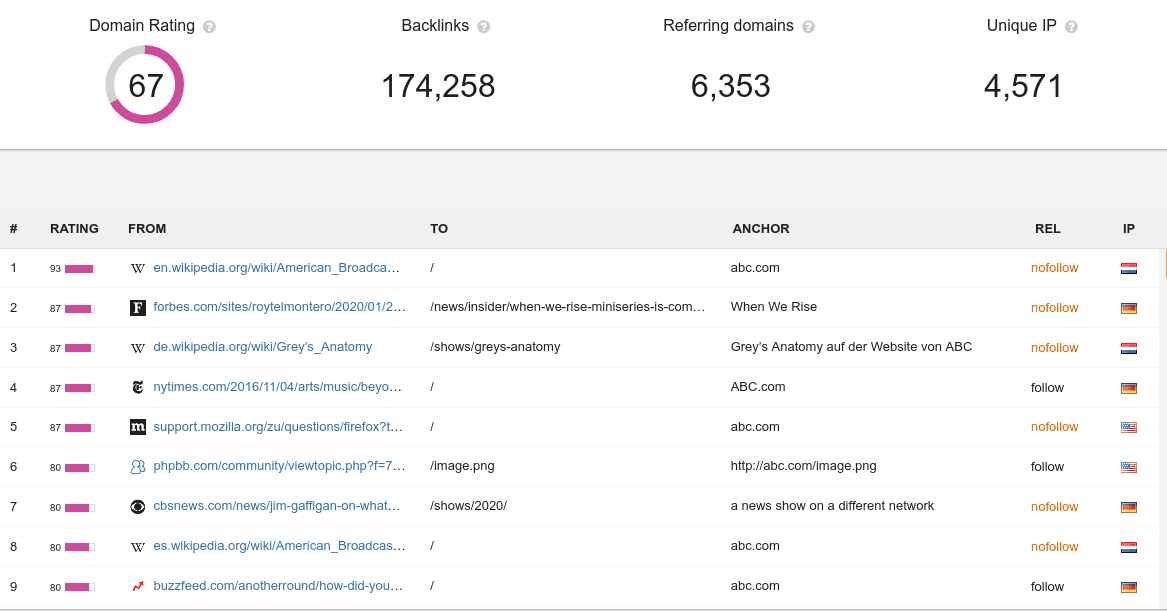
Linkody automates much of the manual work involved in backlink monitoring, including toxic link disavow file management. It sends daily alerts, so you never miss a change in your link profile.
Key features:
- Daily backlink monitoring alerts.
- Automated disavow file creation.
- Competitor backlink tracking.
- Social share tracking alongside links.
- Simple email reporting.
Pros:
- Strong automation for busy site owners.
- Affordable pricing for small teams.
- Beginner-friendly interface.
Cons:
- Smaller link index than major competitors.
- Fewer advanced filtering options.
Pricing: Starts at $17/month.
Best for: Site owners wanting automated monitoring.
9. Ubersuggest
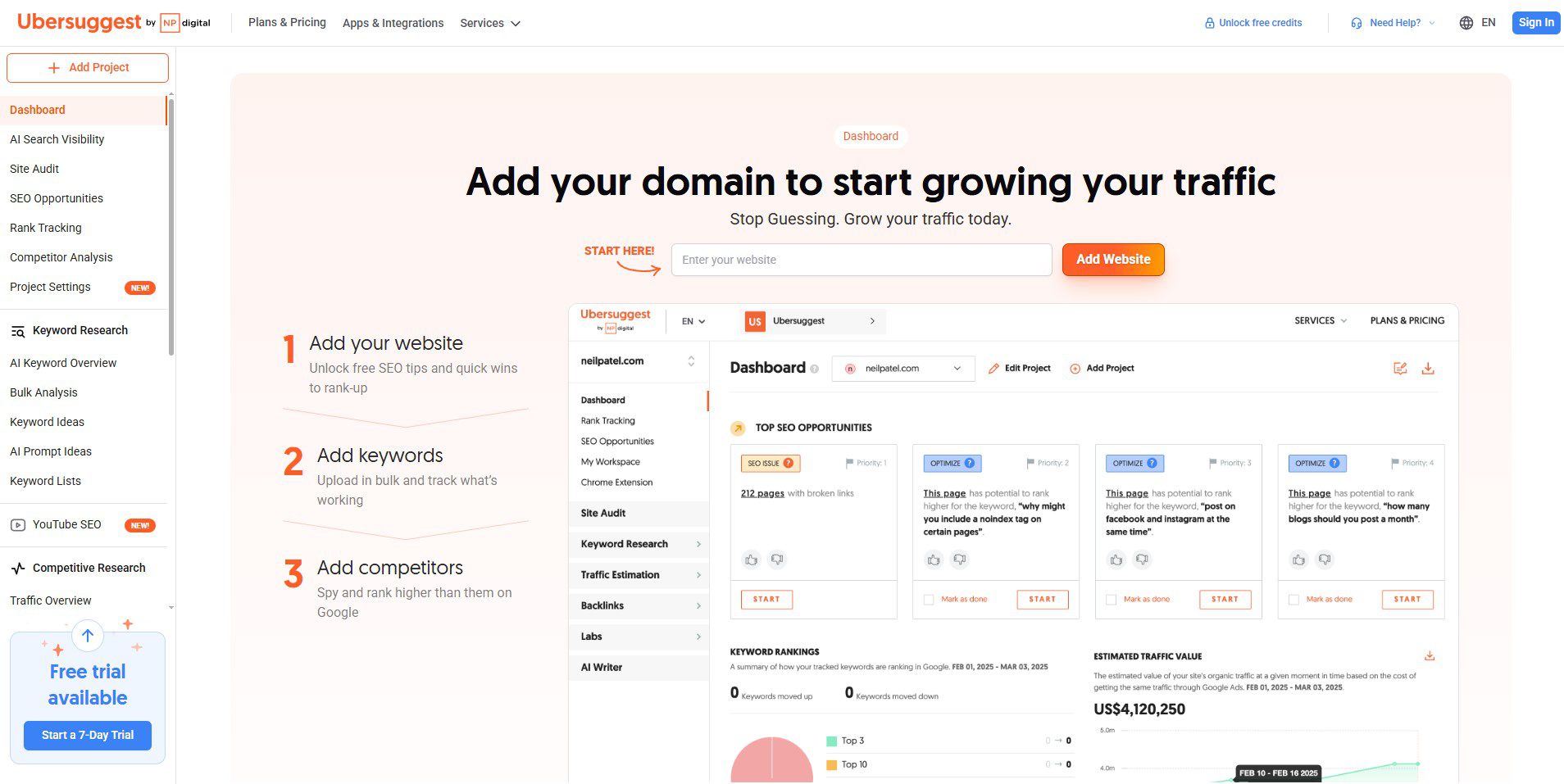
Ubersuggest offers a freemium model that makes backlink monitoring accessible to anyone just getting started with SEO. It covers the basics well, though its data depth cannot match premium tools like Ahrefs or Semrush.
Key features:
- Free and paid backlink checking.
- Basic backlink overview reports.
- Competitor backlink comparison.
- Domain Score metric.
- Simple keyword and traffic tools included.
Pros:
- The free tier is accessible to anyone.
- Very affordable paid plans.
- Easy for beginners to navigate.
Cons:
- Limited data depth versus premium tools.
- Fewer advanced monitoring features.
Pricing: Starts at $12/month.
Best for: Beginners on a tight budget.
10. SEOptimer
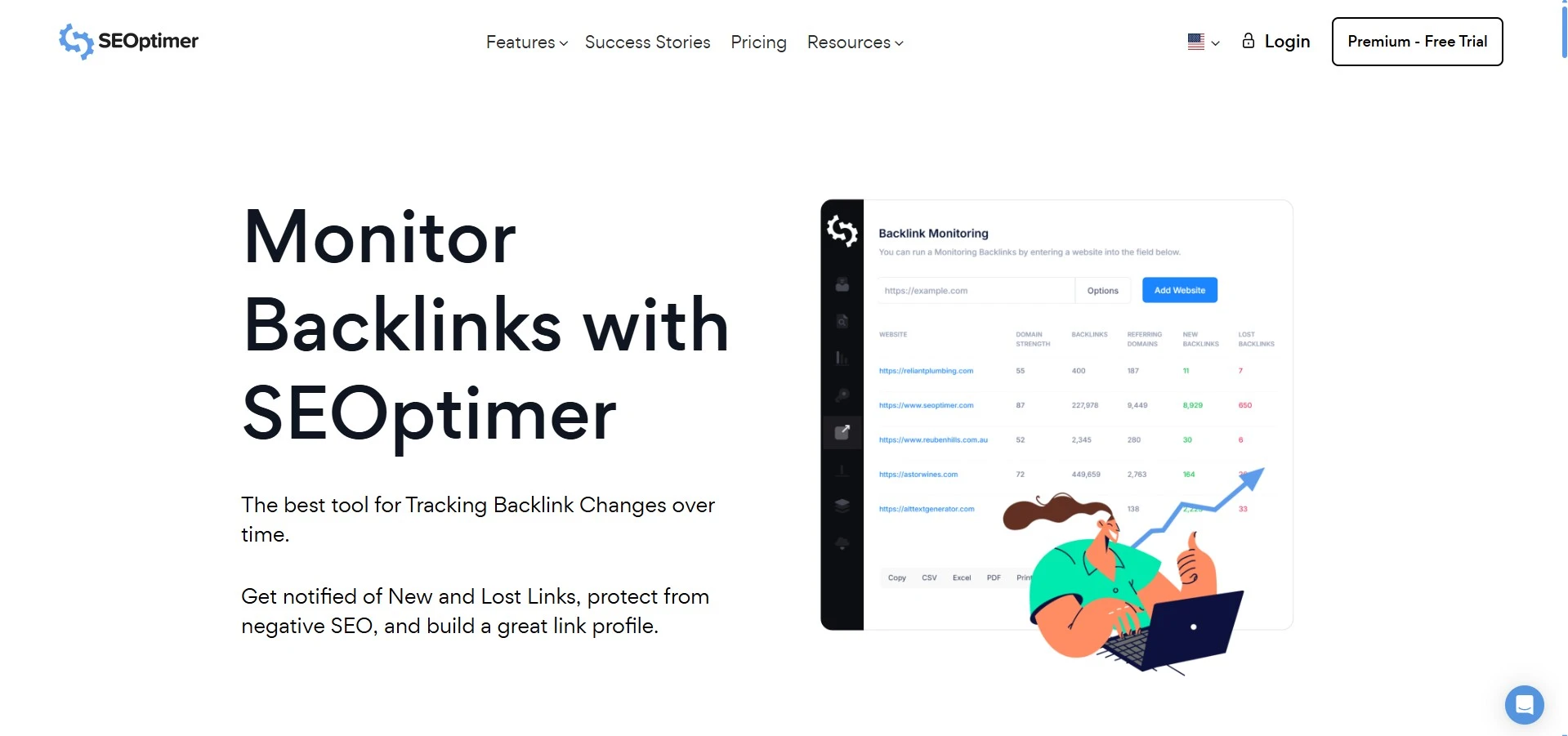
SEOptimer offers white-label reporting, which makes it a favorite among agencies managing client accounts. Its backlink audit feature flags risky links while keeping reports simple enough for non-technical clients to understand.
Key features:
- White-label backlink reports.
- Backlink audit with risk flagging.
- Site audit tools included.
- Client-ready PDF exports.
- Simple, clean dashboard.
Pros:
- Great for client-facing reporting.
- Affordable for growing agencies.
- Combines audits with backlink data.
Cons:
- Less detailed than dedicated backlink platforms.
- Smaller overall link index.
Pricing: Starts at $19/month.
Best for: Agencies needing polished client reports.
Best Backlink Checker Tools for Quick Audits
Sometimes you need a quick snapshot instead of ongoing monitoring. A backlink checker tool gives you that instant view without setting up alerts or dashboards.
These tools work well before a client pitch or a quick competitor check. Ahrefs, Semrush, and Ubersuggest all double as strong backlink-checking tools, alongside their full monitoring features.
Free Backlink Monitoring Tools Worth Using
Even with a tight budget, you can still build a solid monitoring routine using free tools. Google Search Console should always be your starting point, as it pulls data directly from Google.
Pair it with the free tiers from Ubersuggest or Moz for a broader view of your link profile. Running a free stack alongside occasional SEO audit tools for agency checks keeps costs low while still protecting your rankings.
How to Choose the Right Tool for Your Needs
The right backlink monitoring tool depends heavily on your budget, team size, and how deep you need to go with your data. Here is how to think about it based on your situation.
For Agencies:
Agencies need tools with white-label reporting, competitor comparison, and support for multiple client accounts. Semrush and SEOptimer both handle these needs well, especially when managing multiple sites.
For Freelancers and Small Businesses:
Freelancers usually need something affordable that still delivers reliable alerts. SE Ranking and Monitor Backlinks both offer strong value without the premium price tags found on enterprise tools.
For Beginners:
Beginners should start with free tools before investing in anything paid. Google Search Console paired with Ubersuggest gives new site owners enough data to understand their backlink profile without overwhelming them.
Whatever stage you are at, pairing your monitoring tool with solid keyword research tools guides your work and helps you find new link-building opportunities faster.
How to Monitor Backlinks Effectively
Owning the right tool only helps if you use it consistently. Follow these steps to build a monitoring routine that actually protects your rankings over time.
First, connect your domain to your chosen tool and set up real-time alerts for new and lost links. Second, review your backlink profile at least once a month to check for spam or toxic links.
Third, disavow any harmful links before they damage your domain authority. Fourth, track your competitors regularly using the same tool, since this often reveals link opportunities you might have otherwise missed.
Finally, combine your backlink data with an AI rank tracker tool setup and a website traffic checker tool routine to see how link changes affect your actual search rankings and traffic over time.
Common Mistakes to Avoid
Many site owners set up a monitoring tool once and then forget about it entirely. Backlink monitoring only works when you check in regularly and act on what the data shows you.
Another common mistake is ignoring lost links completely. A quick outreach email asking a site to restore your link often works, especially if the removal was accidental rather than intentional.
Relying on a single tool can also leave gaps in your data, since no single crawler index catches every backlink. Using two tools together, like Ahrefs and Google Search Console, gives you a fuller picture.
Finally, some marketers ignore competitor tracking altogether. Watching what links your competitors earn often reveals easy, repeatable link-building opportunities you can pursue for your own site.
Conclusion
Backlink monitoring protects the hard work you already put into link building. Without it, lost links and toxic backlinks can quietly chip away at your rankings before you even notice the damage.
Tools like Ahrefs and Semrush offer the deepest data for agencies and serious SEOs. Smaller sites can still build a strong routine using free tools like Google Search Console alongside affordable options like Ubersuggest.
Whatever tool you choose, consistency matters more than perfection. Check your backlink profile regularly, act fast on lost links, and keep an eye on your competitors to stay ahead in search rankings.
For more tool comparisons and SEO guides like this one, visit The Tool Marketer and explore our full library of resources built for marketers and small business owners.
Frequently Asked Questions
What is the best backlink monitoring tool for beginners?
For beginners, Google Search Console is a good first step because it’s free and draws on Google’s own data. Adding Ubersuggest alongside it rounds out the picture without spending a dime.
How often should I monitor my backlinks?
Check your backlinks profile at least once a month, though weekly checks work better for larger or more competitive sites. Real-time alerts help you catch sudden changes between manual reviews.
Is Google Search Console enough for backlink monitoring?
Search Console offers solid free data but lacks the depth of paid tools like Ahrefs or Semrush. Pairing it with a paid tool gives you a more complete and reliable picture of your backlinks.
What is the difference between backlink monitoring and backlink checking?
A backlink checker gives you a one-time snapshot of your current links. A monitoring tool continuously tracks changes, alerting you the moment a link is gained or lost.
Are free backlink monitoring tools accurate?
Free tools provide accurate but limited data compared to paid options. They work well for beginners or small sites, though larger sites benefit from the deeper data that paid tools provide.